
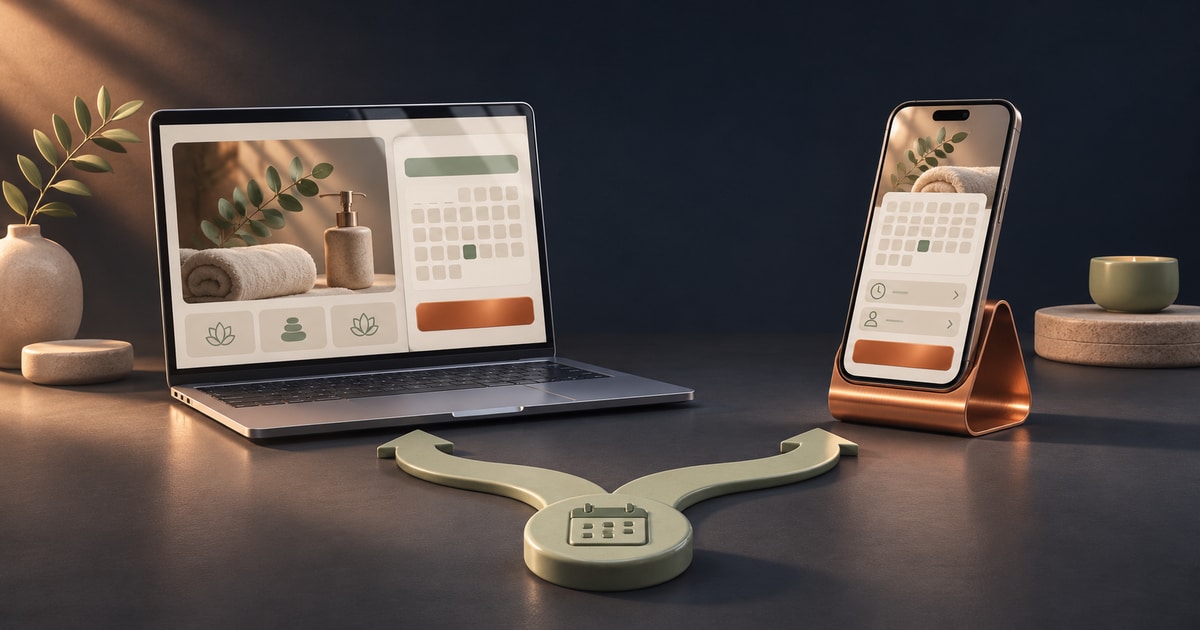
Website or Mobile App? Choosing for Your Business
Compare responsive websites, web apps and mobile apps through customer tasks, repeat use, device features and maintenance rather than technology labels.
Quick answer
A responsive website is a useful starting option when people need to discover your business, read about services and enter without installation. A mobile app is worth evaluating for frequent repeated tasks or specific device integrations. Web apps and PWAs are further options. Validate the actual task on the devices your customers use before deciding.
Start with the customer’s task
Consider a hypothetical training centre. A prospective student needs course details, schedules and an enquiry route. An existing student might return weekly to submit work or check classes. Those different tasks do not necessarily require the same solution.
Describe entry points, frequency and completion tasks before comparing technologies. The training-centre example is a planning exercise rather than a claim about a delivered project or its results.
What a responsive website addresses
Responsive design adapts layout and content to the screen. MDN describes flexible approaches to layouts and media across different sizes. Shrinking a desktop screenshot is insufficient: navigation, text, images and forms still need to be usable on a phone.
Entering through a link can support service information, project examples, articles or starting a purchase. Websites can also contain substantial forms and account features. The word “website” alone does not establish which capabilities have actually been implemented.
When a mobile app is worth investigating
An app deserves investigation when users return regularly and a focused experience supports their task, such as daily field-work entries, repeated order tracking or a particular device integration. Installation should offer a benefit you can explain in terms of that task.
Request a demonstration of the hardest requirement on real devices. Background behaviour, peripherals and permissions can vary by platform. The label “mobile app” does not establish that every capability is present or behaves identically on every phone.
Where web apps and PWAs fit
A web app usually describes a browser experience where people complete a task, such as a customer portal or booking system. A PWA can add installation and capabilities such as selected offline behaviour. The web.dev guide describes this as progressively enhancing a web-based experience.
Do not assume notifications or offline behaviour belong exclusively to store-distributed apps. Equally, a PWA label does not establish identical support everywhere. Evaluate the browser, operating system, permission and implementation for your exact requirement. Final order confirmation still needs valid stock and server state.
Discovery and returning use are different needs
Public service information needs to make sense to someone unfamiliar with the business. A customer account can focus on people who have already registered. If both groups matter, clear public pages and a useful account experience may be needed together.
Review where links from messages, search and social profiles lead, and which steps a newcomer must complete. For existing customers, identify a repeated difficulty and assess whether the proposed experience makes that task easier. Personal preference for an interface is a weaker basis for the decision.
Compare costs across the operating period
Compare quotes against the same requirements: accounts, administration, payments, notifications, data handling and support. Similar labels can conceal different scope, with one proposal covering interface design and another also covering the backend and operational tools.
Include release and update work for apps and hosting and browser checks for web solutions. Both still need security and recovery arrangements. There is no fixed cost ratio between them; actual functionality, integrations and implementation determine the work.
Three scenarios for an initial decision
The following scenarios are starting points, not substitutes for testing real requirements. Where the audience or sales process is still uncertain, a smaller initial scope can help evaluate business assumptions with manageable complexity.
Write a testable reason for the choice, such as viewing service details without installation or capturing daily field data through a particular accessory. That makes design and estimation discussions more concrete than asking for a modern app.
- Company information and enquiries: first evaluate a usable mobile website.
- Registered customers with repeated tasks: compare a web app, PWA and app on that task.
- Essential hardware integration or background behaviour: prototype it before committing.
Use a small test to support the choice
Choose a primary journey, such as signing in, finding the next class and submitting a file. Ask a small group of intended users to try the proposed experience on their own devices. Record where they need help, what they misunderstand and whether the task is completed.
Include weak connectivity, signed-out states, failed submissions and returning to unfinished work. The purpose is to identify an approach that is usable and maintainable for the current requirement. Review those observations before adding optional functionality.
What to prepare for an estimate
Prepare a brief covering usage frequency, the main journey, audience devices and required integrations. Include observable problems with an existing product. Ask the team to distinguish evaluated requirements from those still needing investigation or a prototype.
SoSho can review the requirement through website, web application or mobile application services. Use the project estimate to begin defining the scope, then connect the final choice to that requirement and the findings. Running a site and an app together makes sense when their respective roles are clear.
Frequently asked questions
Is a mobile website the same as an app?
No. A website opens in a browser and needs an appropriate mobile layout. An app can differ in installation and capabilities. Compare implemented features and the actual journey.
Are notifications exclusive to mobile apps?
No. Some web experiences also support notifications, subject to device, browser, permission and implementation. Test the required behaviour on audience devices.
Which option suits a new business?
A usable website is a reasonable option to investigate for initial information and enquiries. Essential device features or repeated use may justify another approach.
Can an app be added after a website?
It may be possible, but accounts, data and integrations need review. An existing website does not automatically provide an app-ready backend or eliminate further work.