
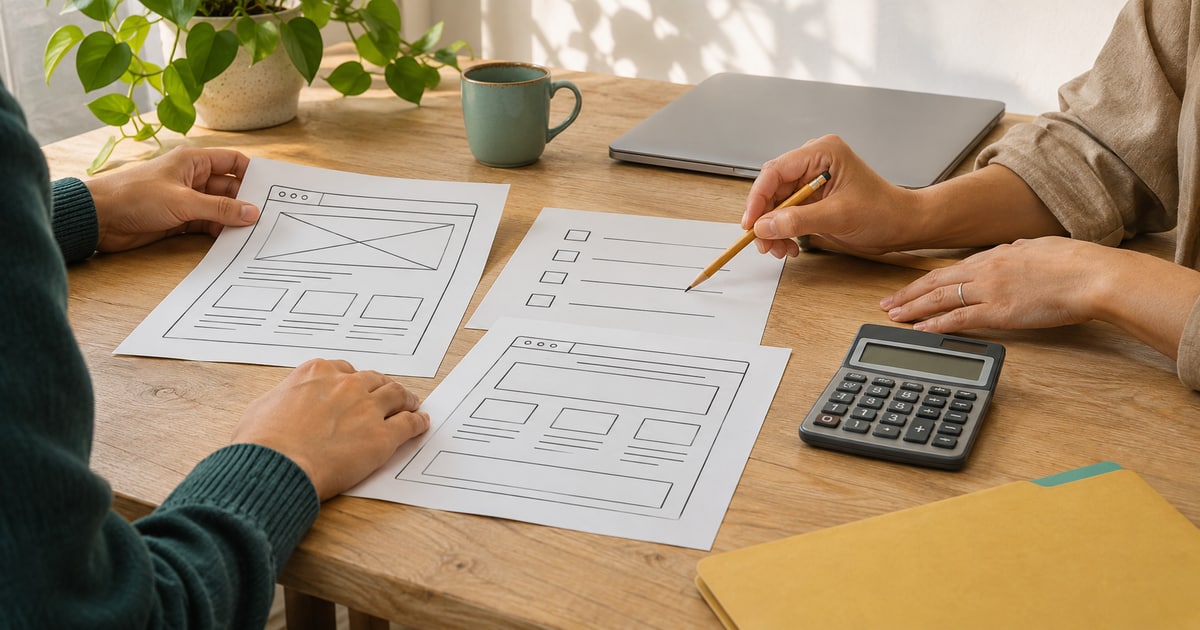
How to Reduce Website Development and Maintenance Costs
Reduce avoidable website costs with a clear brief, phased delivery, prepared content and a maintenance plan, while keeping essential safeguards.
Quick answer
Define the essential customer task, move optional features to later stages and prepare content before design begins. Ask separately about renewals and maintenance. Cutting backups, acceptance checks or ownership of your accounts is not a sound saving; it can create avoidable work later.
Write down what the website needs to do
Our first suggestion is a short written brief before asking for prices. What do you sell, who is the customer, and should the visitor buy, book or submit an inquiry? These basic questions help avoid differing assumptions.
“I need a professional website” is difficult to check. “Visitors should compare three services, see relevant work and submit an inquiry” is more concrete. That example illustrates a brief, rather than a universal feature list.
Do not build every idea into the first release
Separate essential features from useful additions that can wait. A shop may need a dependable order journey immediately, while a complicated loyalty programme can be evaluated later.
Phasing still needs a plan. Ask what a postponed feature will require when added. If it would mean discarding today’s work, the apparent saving may just be work moved to a later date.
Prepare content and agree who makes decisions
Repeated copy changes, shifting categories and contradictory feedback create more review cycles. Gather the introduction, service details, images and contact information early. Agree who gives the final decision.
Collect feedback and make it specific. Instead of “I dislike this page,” explain that customers cannot find the inquiry action beside the service description. This keeps the discussion connected to a user task.
Separate launch costs from ongoing costs
A low opening quote may say little about renewals. Request a list of recurring services, paid features and work excluded from support. Give each item a responsible owner and a review date.
The following is our suggested comparison checklist. Not every site incurs every item, and amounts depend on the chosen services. The purpose is to make the scope visible instead of hiding it behind one total.
- Domain and hosting
- Required tool licences or subscriptions
- Support, updates and backups
- Content changes and additional features
- External services such as messaging, when needed
Make maintenance clear instead of removing it
For WordPress, updates and backups are central maintenance topics. Custom sites also need someone responsible for checking important journeys and investigating failures. Define “support” through concrete examples.
Ask who investigates a broken inquiry form and who holds the files and data needed for a move. A defined maintenance arrangement is better than ambiguity, but having a contract does not guarantee that failures will never occur.
Compare proposals against the same brief
Two prices become comparable when the deliverables are clear. Do both include content entry, mobile layouts, training, launch and acceptance checks? Are revision rounds and exclusions defined? Compare them against the same initial brief.
Investigate before replacing an existing site. A few page fixes, removing an unnecessary tool or improving the inquiry journey may be sufficient. Saving is not always about the cheapest technology; sometimes it comes from postponing work that is not needed yet.
Frequently asked questions
Can a ready-made theme reduce the work?
It may reduce initial work when it fits the requirement. Extensive changes or incompatible additions can remove that advantage.
Should I remove support to save money?
First define the support scope and responsibility for essential work. Removing maintenance without an alternative is not a dependable cost-control plan.
How can I avoid avoidable rework?
Prepare the brief and content, agree on a final decision-maker, record changes and check deliverables at each stage.